

Call Detail Record work in a police investigation starts long before any import screen: confirm the operator file was obtained with lawful authority, note who received it and when, preserve the original export, and decide how results will be referenced in the zimni and annexes. Only after that chain is clear does spreadsheet analysis make sense. This article walks the full path — preparation, Jazz / Telenor / Zong / Ufone layouts, contact and cell-site views, IMEI and timeline checks, multi-CDR comparison, and a report export for the paper file. Shorter path: How to use CDR Analyzer. Custody and limits: digital evidence (CDR, IMEI, towers).
Last updated: September 2026
Disclosure: HR Solutions develops Missal Police Writing (MPW) and CDR Analyzer. This article is practical software and investigation-process guidance. It is not legal advice, not a substitute for departmental standing orders, and not permission to obtain or share subscriber records without lawful authority. Follow your unit’s process and the orders that apply to your file.
Watch: All about CDR Analyzer دیکھیں: CDR Analyzer کے بارے میں سب
This video walks through CDR Analyzer for investigation work in Pakistan. Press play when you are ready; it does not start automatically. After you watch, follow the written workflow below: lawful access, prepare files, import, analyze, then export.
What this workflow covers یہ workflow کیا شامل کرتا ہے
A Call Detail Record is an operator’s log of events tied to a mobile number: calls, SMS, and related fields such as date, time, duration, the other party, cell identifiers, and often IMEI. It is not a transcript of speech. It does not by itself prove who held the handset. Software can sort, filter, and compare those rows so a human investigator can see patterns. Software cannot replace a diary entry, a recovery memo, or a witness statement.
This page is the long narrative of that work. It assumes you already have, or will obtain through your department’s process, operator exports in Excel or CSV. It does not describe how to intercept traffic, how to bypass operator systems, or how to reconstruct files you are not entitled to hold. If your task today is only to print a covering sheet or a missal CDR request form, that belongs in police missal writing in Pakistan and in Missal Police Writing (MPW), not in the analyzer.
Keep one mental split: MPW writes the paper file; CDR Analyzer reads the operator file. Mixing those jobs is one of the common investigation mistakes we list separately from typing and print errors.
Lawful access before you open a file فائل کھولنے سے پہلے قانونی رسائی
Start with authority, not with Excel. Subscriber and traffic records are sensitive. Your station or investigation branch will already have a process for requesting them: the covering papers, the numbered request, the channel through which the operator returns a file, and who may store a copy. CDR Analyzer does not create that authority. It only helps after a file is in your lawful custody.
Before import, record the number, FIR or inquiry, date range requested, and the date the file arrived. Do not copy the spreadsheet onto personal USB sticks or WhatsApp. A copy that leaves the authorised machine is a custody problem. Preservation detail: digital evidence.
Example (not a real case): a theft FIR already has an approved Jazz request for seven days. The workbook is saved in a folder named with the FIR and subject label. Only then does anyone open CDR Analyzer. If the request is still pending, do not import an old file from another case.
If you are unsure whether an export is yours to handle, stop and ask the officer in charge. This website cannot answer that for your district.
MPW and CDR Analyzer in one investigation ایک تفتیش میں MPW اور CDR Analyzer
HR Solutions publishes both products because investigation units do both jobs. MPW vs CDR Analyzer is the short comparison. In practice: you enter FIR particulars and print zimni, chalan, and applications in MPW. You import operator spreadsheets in CDR Analyzer. The missal may later hold a printed MFC table or a covering note that a CDR was examined. That printout is an annex. It is not a substitute for the live dataset on the Windows PC.
Install each product from the Download page as a .rar file. Extract, then run the installer. CDR Analyzer typically installs under Program Files\CDR. Safety: download safety. MPW and Urdu: how to install MPW and Urdu typing on Windows.
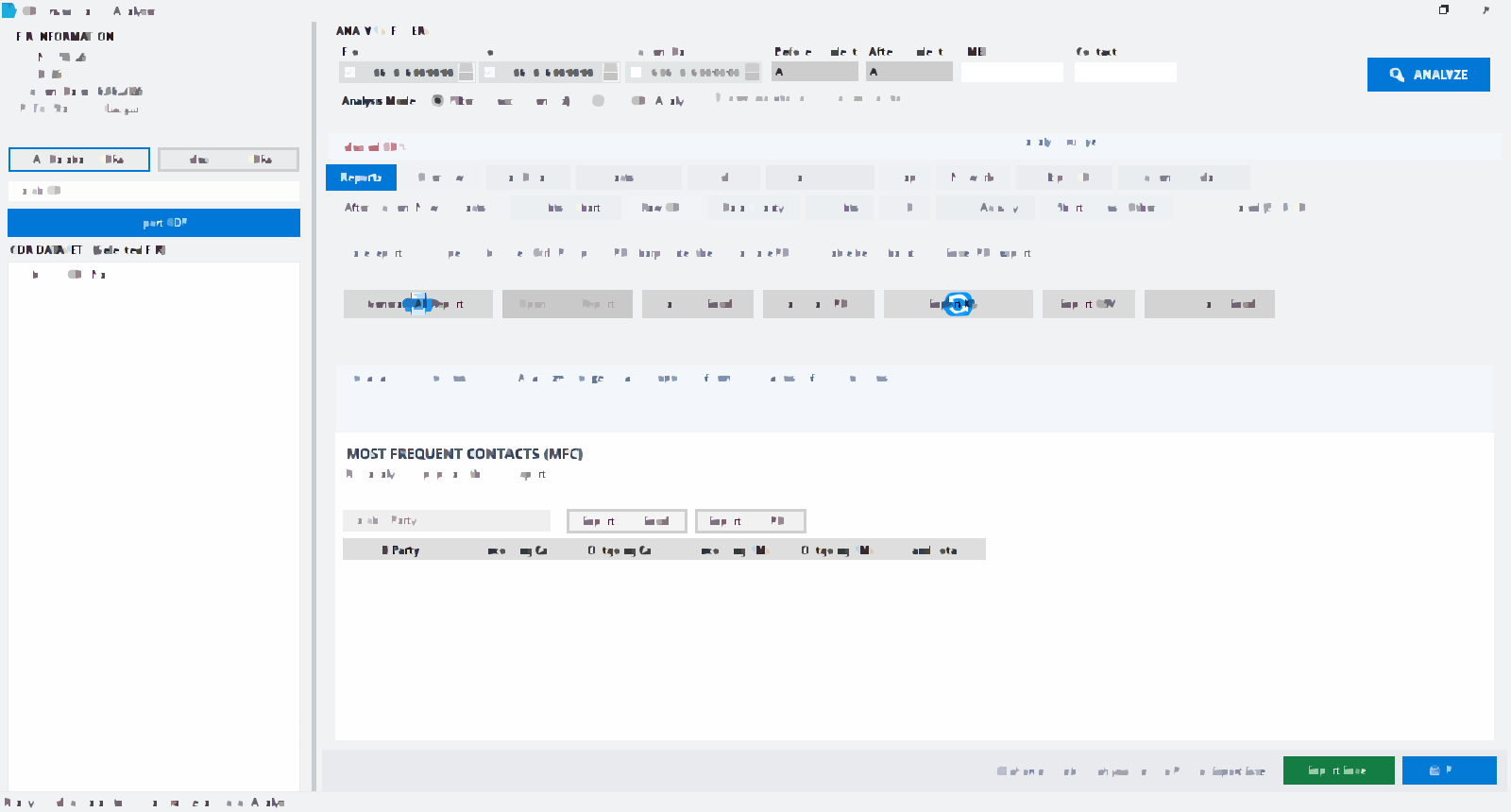
The dashboard is where you keep datasets named by FIR and subject. Treat that naming as part of the investigation, not as a cosmetic label. If two theft files both say “subject1.xlsx”, you will mix them under pressure.
Prepare Excel and CSV files Excel اور CSV فائلیں تیار کریں
Operators commonly return Excel or CSV. Column names differ. You do not need to rebuild the sheet by hand if you pick the matching operator profile. You do need a clean file: one subject per workbook when you can, and no extra cover sheet sitting in the first header row.
Practical prep steps:
- Keep the original operator file untouched. Work on a copy if you must hide columns for printing.
- Name the copy with FIR number, subject label, operator, and date range. Example (not a real case):
FIR-12-2026-PS-Example-Jazz-07Sep-14Sep.xlsx. - Note the sheet name that actually holds rows. Cover letters on sheet 1 are not CDR rows.
- Check that dates look like dates, not text that Excel stored as
20260907in one column and07-09-2026in another without you noticing. - Do not merge cells. Merged headers break column mapping.
- If the operator sent a CSV, keep UTF-8 if possible so numbers with leading zeros are not stripped. If Excel ate a leading zero, record that in your note; the analyzer can only see what the file still contains.
Store the files on the authorised PC, not in a shared family cloud folder. If your unit requires encryption at rest, follow that order. CDR Analyzer does not replace your organisation’s storage rules.
Import Jazz, Telenor, Zong, and Ufone profiles Jazz، Telenor، Zong، اور Ufone profiles درآمد
Open CDR Analyzer and create or select the dataset that belongs to this FIR. Import the file. When prompted, choose the operator profile that matches the source: Jazz, Telenor, Zong, or Ufone. Profiles exist because each operator’s export layout is different. The profile maps columns (A-party, B-party, direction, time, cell identifiers, IMEI) so later screens are comparable.
If you pick the wrong profile, you may still see rows, but direction, duration, or cell columns can sit in the wrong fields. After import, glance at a few known events. If an outgoing call you expected is labelled incoming, stop and re-import with another profile rather than writing a zimni from a reversed list. The product page lists the same operator set: CDR Analyzer features.
Import one subject at a time when you are learning the file. After you trust the mapping, you can add further CDRs into the same FIR-linked workspace for comparison. JSON is supported in some workflows; most station files you will see are Excel or CSV.
Example (not a real case): a Telenor sheet uses a time column with seconds and a separate date column. The Telenor profile expects that split. If you force a Jazz profile onto it, the timeline may stack all events on one calendar day. That is an import error, not a finding about the subject’s habits.
Check data quality after import درآمد کے بعد ڈیٹا معیار چیک کریں
Before MFC or MFL, look at completeness. Empty IMEI columns, missing cell IDs, or a date range shorter than you requested all change what you may fairly say later. If the operator returned only three days and you asked for fourteen, say so in the file. Do not let a chart imply two weeks of silence if the export never covered those days.
Scan for duplicate header rows pasted into the middle of the sheet, for SMS and voice mixed without a type column, and for landline or short codes that will dominate an unfiltered MFC list. Filters exist so you can set the incident window; they are not optional decoration. If a column is unreadable, the honest result is “not present in this export,” not a guess.
Most Frequent Contacts (MFC) سب سے زیادہ روابط (MFC)
Most Frequent Contacts ranks numbers that appear most often with the subject: incoming and outgoing voice and SMS, depending on what the export includes. It is a starting list, not a verdict that those people are co-accused. Family numbers, workplaces, and delivery riders can sit at the top of a lawful everyday CDR. Your job is to notice which contacts are new after the incident, which appear only in a burst, and which are shared with another subject’s file.
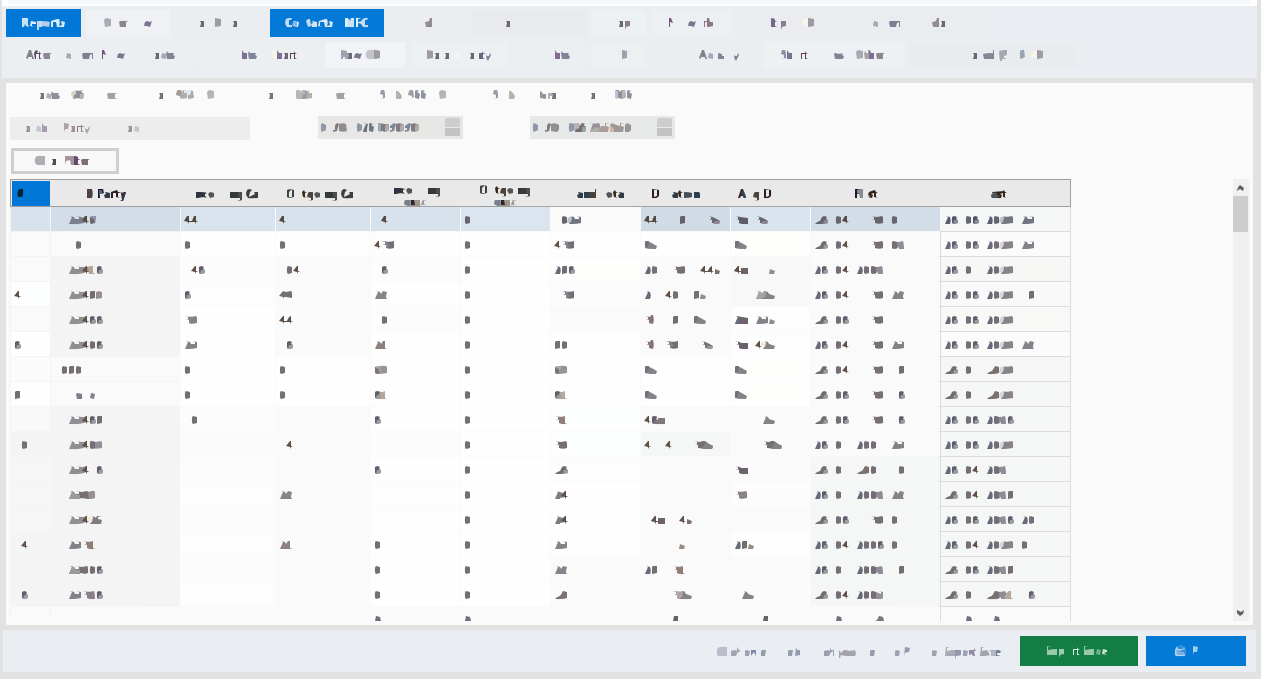
Use date filters around the incident window as well as the full range. Search B-party when a complainant has already named a number. Export MFC if the file needs a paper annex, and note the filter dates so a later reader knows the table is not “all time.” After-incident new contacts, where the product offers that view, are a lead list. Pair MFC with statements; do not substitute it for them.
Most Frequent Locations (MFL) سب سے زیادہ مقامات (MFL)
Most Frequent Locations ranks cell sites by how often the subject’s events used them. Fields commonly include Cell ID, Site ID, LAC, a location description if the operator provided one, and coordinates when present. A frequent site is a pattern of radio attachment, not a street address of a person standing still. Coverage overlaps. A tower named for a neighbourhood can serve a road a kilometre away. Say what the data shows: “events associated with this cell identifier,” not “the accused was inside this shop.”
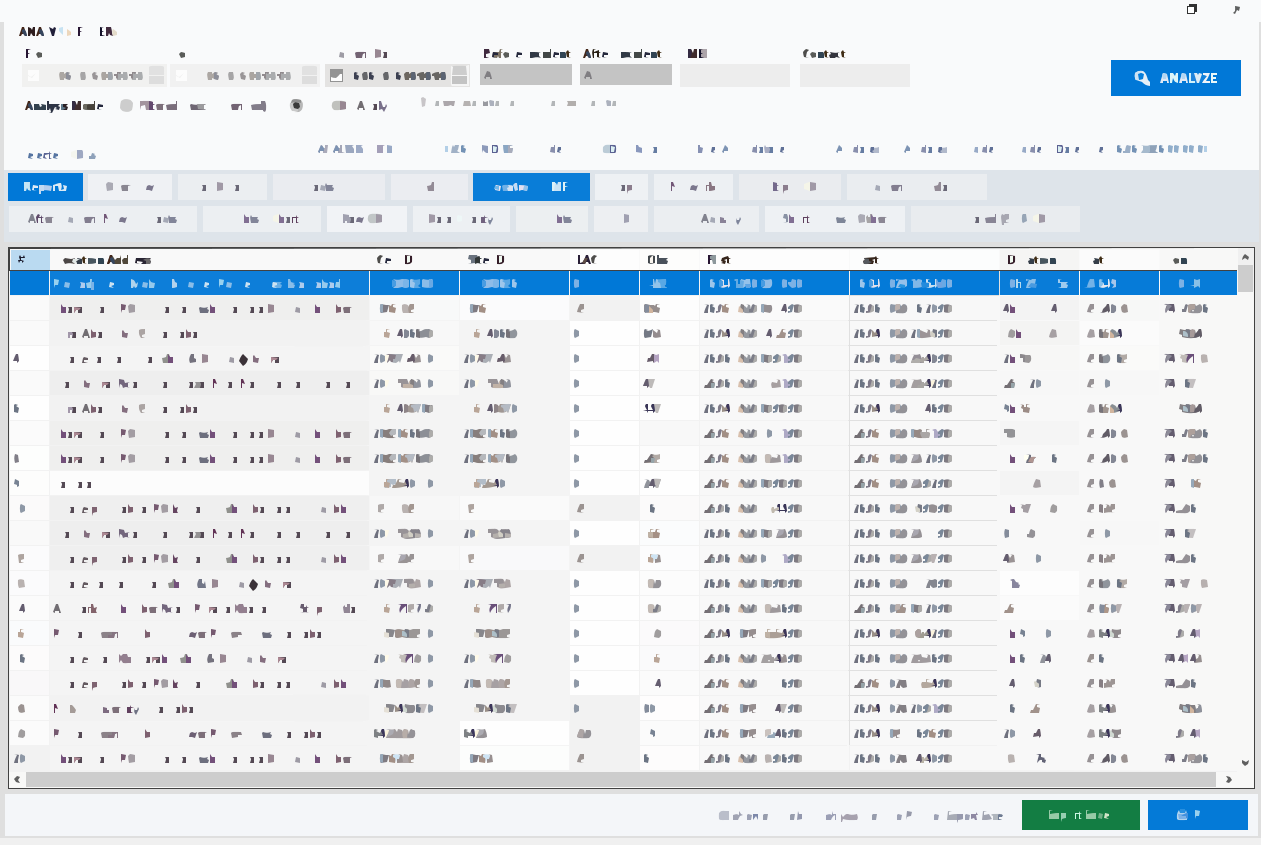
KML export, where available, is for map review (for example Google Earth sector sketches). It is a visualisation aid. Print a location table for the missal if your supervisor wants paper. If coordinates are blank in the operator file, the map cannot invent them. For what location data can and cannot prove, stay with the digital evidence limits.
IMEI and device patterns IMEI اور device پیٹرن
IMEI analysis looks at handset identifiers recorded with events. A single number on several IMEIs over a week can mean a change of phone, a dual-SIM device reported oddly, or a typing error in the operator extract. Several numbers on one IMEI can mean shared hardware — a lead, not automatic proof of one person’s control at a given minute.
When you see a new IMEI on the incident day, record the first and last event times and whether SMS and voice both show it. Compare with seizure memos if a device was taken into custody. If no device was seized, do not write as if the IMEI on the CDR is “the recovered phone.” Matching a seized handset to an IMEI is a separate identification step your unit already knows how to document.
Timeline around the incident window واقعے کے وقت کے گرد timeline
Timeline views put calls and SMS in order. Use table or swim-lane layouts if your version offers both. Set the incident date and time you are actually investigating — the time in the FIR or the time a witness described — and look at the hours before, during, and after. Burst activity (many events in a short span) can matter. Silence can matter only if the export covers that span.
Example (not a real case): the FIR puts an occurrence at 21:40. The Jazz file shows no events from 21:10 to 22:05, then a cluster of short calls. That cluster is a fact in the log. It does not prove the holder was at the scene. It does justify asking where the handset was, whose voices are on those short calls, and whether another subject’s CDR shows the same minutes on a nearby cell.
Correlate, do not narrate beyond the rows. If you write zimni in MPW, quote the times from the export and from the analyzer report, not from memory.
Multi-CDR comparison متعدد CDR موازنہ
When you have lawful files for more than one number, comparison looks for shared contacts, shared IMEI, shared locations, and direct subject-to-subject events. CDR Analyzer is built to hold multiple datasets under one FIR workspace (including larger sets when your licence and machine allow). Start with two files you understand, then add more. A shared contact that is a government helpline is not a conspiracy. A shared IMEI on the incident night is a stronger lead than a shared tower that serves a whole market.
Name each dataset clearly. Mixing two accused into one import is a recurring error; it is listed again under investigation mistakes. If you must re-import, delete or isolate the bad dataset rather than stacking a third copy “to be safe.”
Network graph views, where present, are for exploration. They are easy to over-read. A thick edge means more events in the log, not more guilt. Use the edge table to drill into actual records before you print a picture for the court file.
Export reports for the file فائل کے لیے رپورٹس برآمد
When the on-screen analysis is stable, export what the missal needs: printable or file reports in the formats your version supports (PDF, Excel, CSV, HTML). A consolidated multi-CDR report is useful when several numbers were compared. Keep the export name aligned with the FIR and the date you generated it. If you later change filters and export again, say which annex is which.
Place a paper copy in the file if that is your station practice, and keep the digital export with the original operator workbook. The covering sheet or CDR form in MPW is still only documentation of the request or the annex list. Analysis lives in CDR Analyzer. If a senior officer wants only MFC for the incident day, export that filtered view, not an unfiltered three-month dump that buries the point.
Do not email operator CDRs to private accounts. If you must send a summary, follow your unit’s channel. For product questions, use Contact — email missalpolice@gmail.com or WhatsApp 0319 6662707 — not a screenshot of live subscriber rows in a public group.
Worked example (not a real case) عملی مثال (حقیقی کیس نہیں)
Example (not a real case): an FIR about a snatched motorcycle. The officer is authorised to examine one Jazz number and one Ufone number. Both Excel files are copied into a folder named with the FIR; originals stay read-only. In CDR Analyzer the officer imports Jazz with the Jazz profile and Ufone with the Ufone profile, checks that times match the sheets, then runs MFC for 13–15 September, MFL, IMEI, and multi-CDR comparison. A new B-party, a repeated cell identifier, and a second IMEI after midnight become leads. The officer exports an incident-window PDF for the missal and notes that it is an annex, not a conclusion. Recovery and witnesses remain separate jobs.
Related reading متعلقہ مطالعہ
More articles sit on the Resources hub. Pair this workflow with evidence limits, investigation checks, and missal writing so the paper file and the spreadsheet stay honest with each other.